What Is Roblox? A Simple Parent Guide (Safety, Chat & Australian Update)
Picture this.
Your child is excitedly telling you about a new game.
They’re building houses. Trading pets. Racing cars.
They’re chatting with friends. Customising their avatar.
They’re completely absorbed.
It’s all happening inside something called Roblox.
But when you try to look it up, the information feels overwhelming. Articles are either alarmist… or overly technical.
So here’s the simple version.
What Roblox actually is. How it works. What the real risks are (including current Australian chat restrictions). And how to set it up so you feel comfortable – not constantly worried.
What Is Roblox?
Roblox is an online gaming platform where users can play and create games.
It isn’t just one game. Instead, it’s a collection of millions of user-created games (called “experiences”) covering everything from obstacle courses and pet simulators to roleplay worlds and adventure games.
When kids say they’re “playing Roblox,” they’re actually playing a game inside the Roblox platform.
Most players are between 7–13 years old, although Roblox itself is officially rated 13+.
Is Roblox a Game or an App?
This is where many parents get confused.
Roblox is:
- An app you download on a phone, tablet, computer, or Xbox
- A platform that hosts millions of games
- A creation tool that allows users to build their own games
Anyone can create a game using Roblox Studio. That’s why the content varies so widely. Some games are beautifully designed and age-appropriate. Others are poorly made — and not suitable for younger children.
That variety is both the magic and the challenge of Roblox.
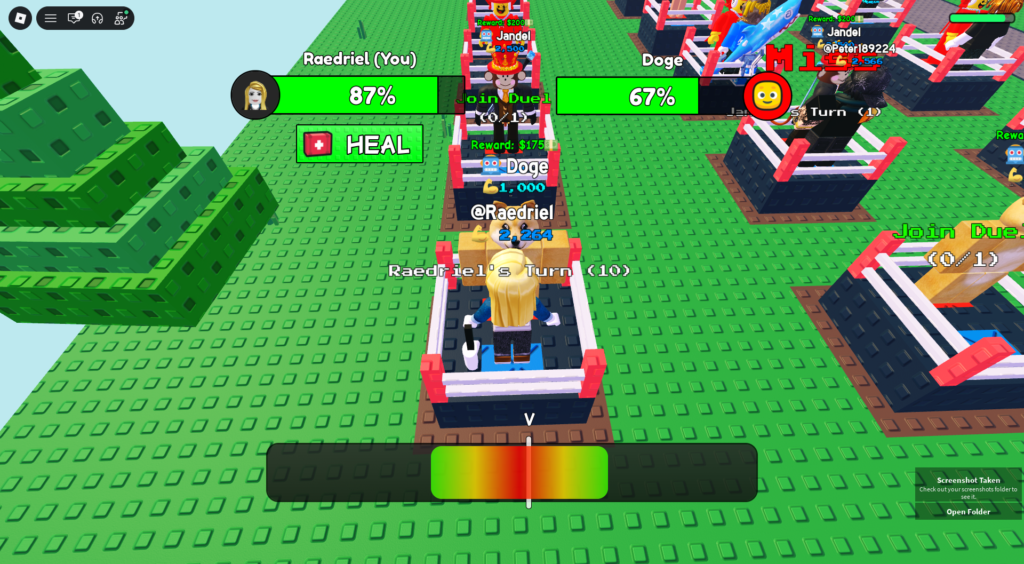
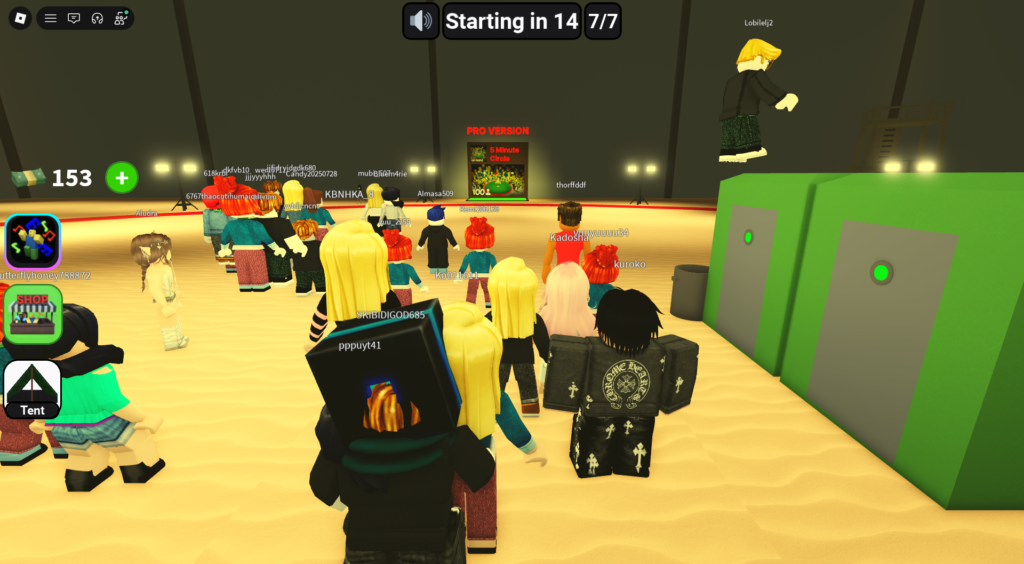
You have to time your click right in the middle of the red section to get a perfect slap.
These are the sorts of silly games available.
How Does Roblox Work?
Here’s the simple version:
- Your child creates a free account.
- They customise their avatar.
- They browse and join games created by other users.
- They interact with the game – and sometimes other players.
Roblox has its own in-game currency called Robux.
Robux can be used to:
- Buy avatar clothing and accessories
- Unlock special abilities or “game passes”
- Access premium features inside certain games
Robux can sometimes be earned, but in most cases they’re purchased with real money.
If your child is asking for Robux, this is why.
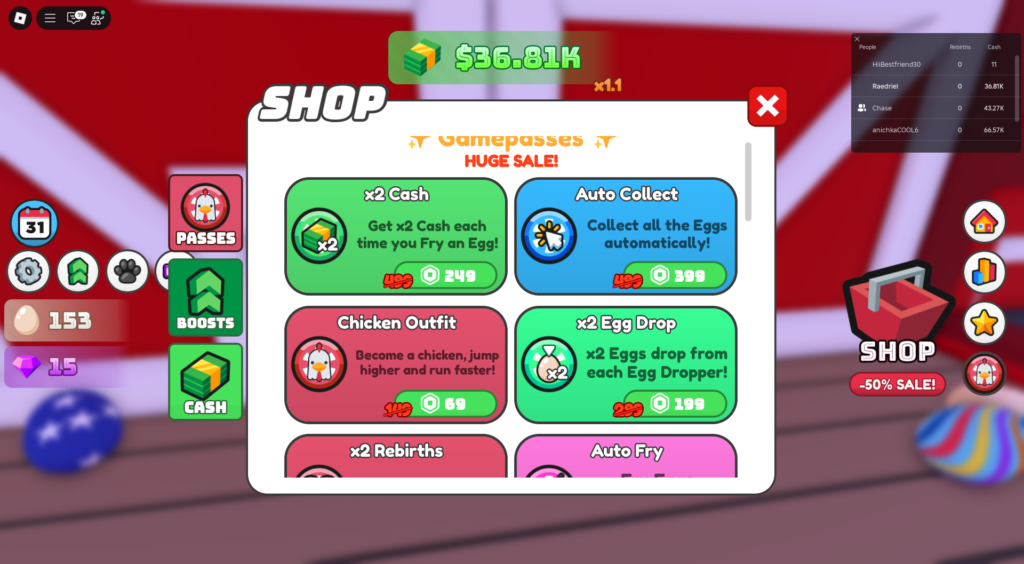
It’s difficult to tell the real money cost due to the Robux conversion but $1 USD equals roughly 80–100 Robux.
Why Do Kids Love Roblox?
Understanding the appeal makes it much easier to manage.
Roblox is:
- Social – kids can play alongside friends
- Creative – they can build their own games and worlds
- Customisable – avatars, outfits, pets, accessories
- Constantly changing – new games are added every day
There’s always something new to explore. That endless variety is a big part of why kids get hooked.
Is Roblox Safe for Kids?
This is the real question most parents are asking.
Roblox can be safe – with the right settings in place.
Because games are user-generated, content quality varies. Some games are completely child-friendly. Others include mild violence, horror themes, or social interactions that aren’t ideal for younger children.
What about chat and strangers?
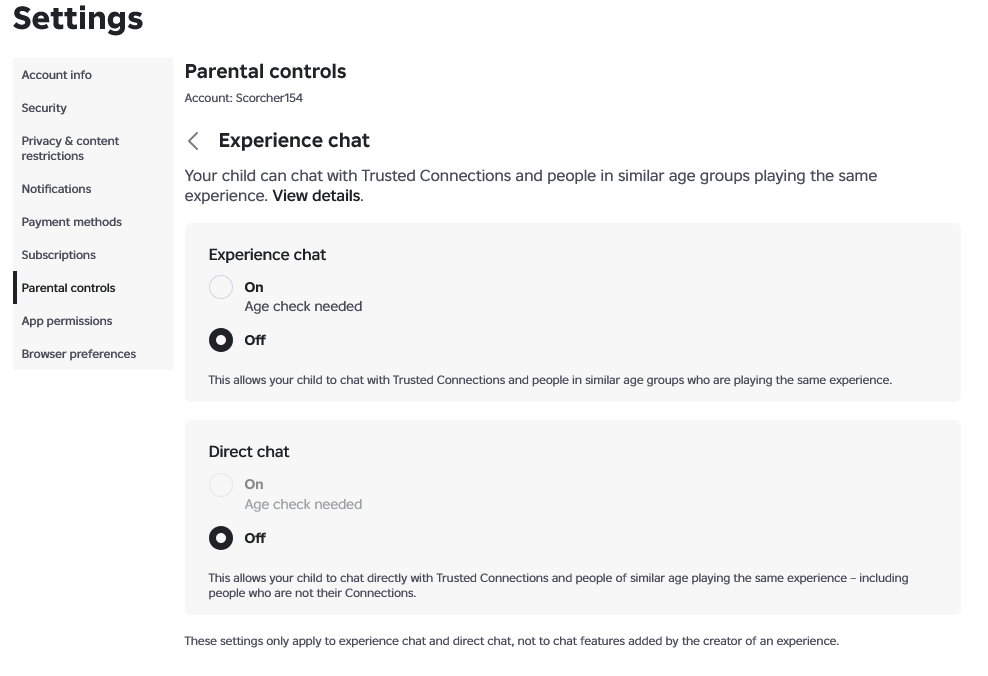
Roblox includes chat and social features. However, due to Australian online safety laws, chat functionality is now restricted unless users verify that they are over the age of 13.
For Australian accounts:
- Users must verify their age to access broader chat features.
- Under-13 accounts have stricter communication limits by default.
This is a positive step, but it doesn’t replace parental supervision or privacy settings.
Even with restrictions in place, I always recommend reviewing:
- Privacy settings
- Who can message your child
- Who can join them in games
- Their friends list
Safety on Roblox is less about banning it – and more about setting it up properly.
What Parents Should Do Before Saying Yes
If you’re considering allowing Roblox, here are the steps I recommend:
- Set the correct birthdate when creating the account
- Go into Settings → Privacy and review all communication options
- Restrict who can chat or message your child
- Limit who can join them in games
- Review the Content Maturity settings
- Disable in-app purchases or require a password for purchases
These adjustments take less than 10 minutes – and make a significant difference.
(If you’d like a step-by-step walkthrough, I have a simple Roblox setup guide that walks you through each screen to set up a parental account.)
Common Questions About Roblox
One More Thing I Always Recommend
If your child is playing Roblox, try playing with them at least once.
You don’t need to become a gamer. Just sit beside them, ask them to show you their favourite game, and explore it together.
Some of them can be quite fun, I’ve had lots of laughs playing with my son.
You’ll quickly notice:
- What the game actually involves
- Whether other players are interacting
- How fast-paced (or chaotic) it feels
- Where purchases are encouraged
It gives you context – and context changes everything.
When kids see that you’re curious instead of critical, they’re also more likely to:
- Tell you if something feels uncomfortable
- Show you new games before downloading them
- Accept boundaries around time or spending
You don’t have to understand every detail.
Just being willing to step into their digital world for 20 minutes builds trust – and that matters more than any setting.
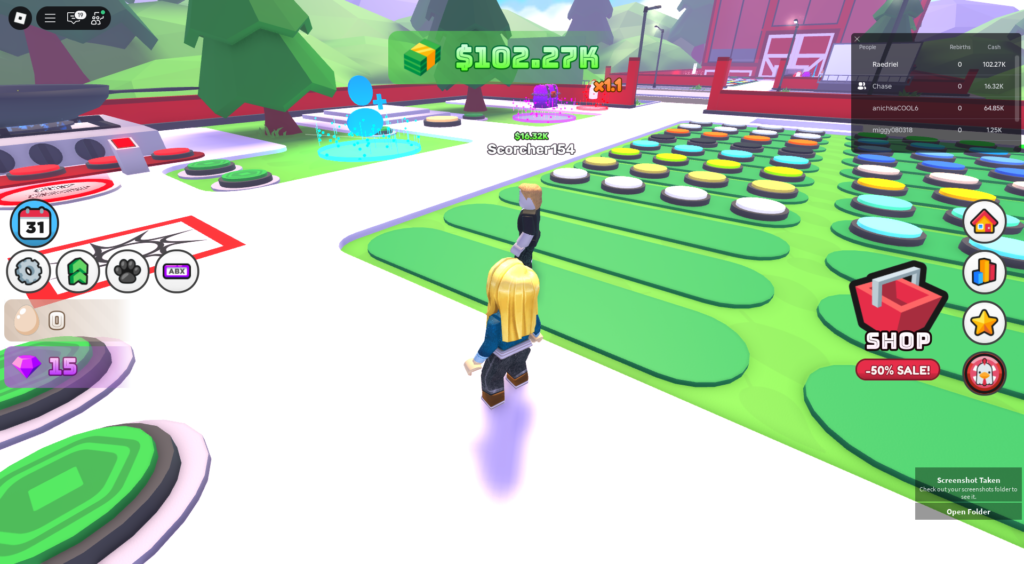
You collect eggs of different patterns and cook them up to make money to then unlock more patterned eggs.
The Bottom Line
Roblox isn’t inherently “good” or “bad.”
It’s a massive platform filled with creative games, social interaction, and endless variety – which is exactly why kids love it.
With the right account setup, clear boundaries, and occasional check-ins, it can be a manageable part of your child’s digital world.
The key isn’t fear.
It’s understanding how it works – and setting it up properly.
Want to Set Roblox Up Properly?
You don’t need to ban Roblox to keep your child safe.
You just need the right setup – and a little understanding.
If you’d like help:
- Setting up a child account correctly
- Adjusting chat and privacy controls
- Managing Robux and in-app purchases
- Choosing age-appropriate content
I’ve put together a simple step-by-step Roblox setup guide that walks you through each screen, in plain language.
And if you’re looking for broader guidance, my Screen Time Reference helps you set clear, realistic boundaries around gaming – without constant battles.